Prepare the photo session
Choose a character, pose, expression, angle and background from the options available in the workspace. Review the generation cost before confirming.
Prepare AI fashion images and photo sessions, then review them against the garment specification.
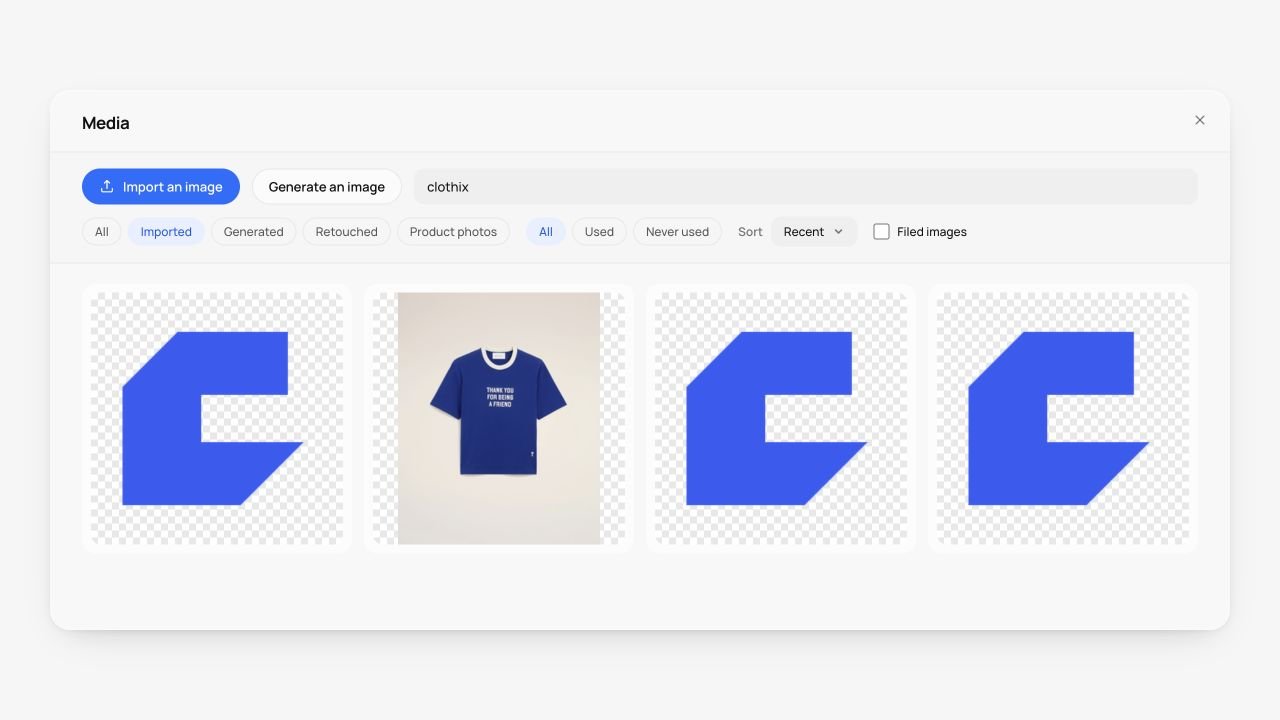
Choose a character, pose, expression, angle and background from the options available in the workspace. Review the generation cost before confirming.
Compositing keeps the rendered garment as an image layer. Generative photo modes can reinterpret the garment, including print, relief and fabric detail. These modes do not provide the same fidelity.
Inspect logos, small text, pattern alignment, colour and proportions. AI visuals are presentation images, not photographs of a manufactured sample. Generation uses the token allowance of your plan; check the displayed cost.
Visuals retain a relationship with the garment state used to create them. Physical design changes can make derived media outdated, so review the current specification before reusing an image.