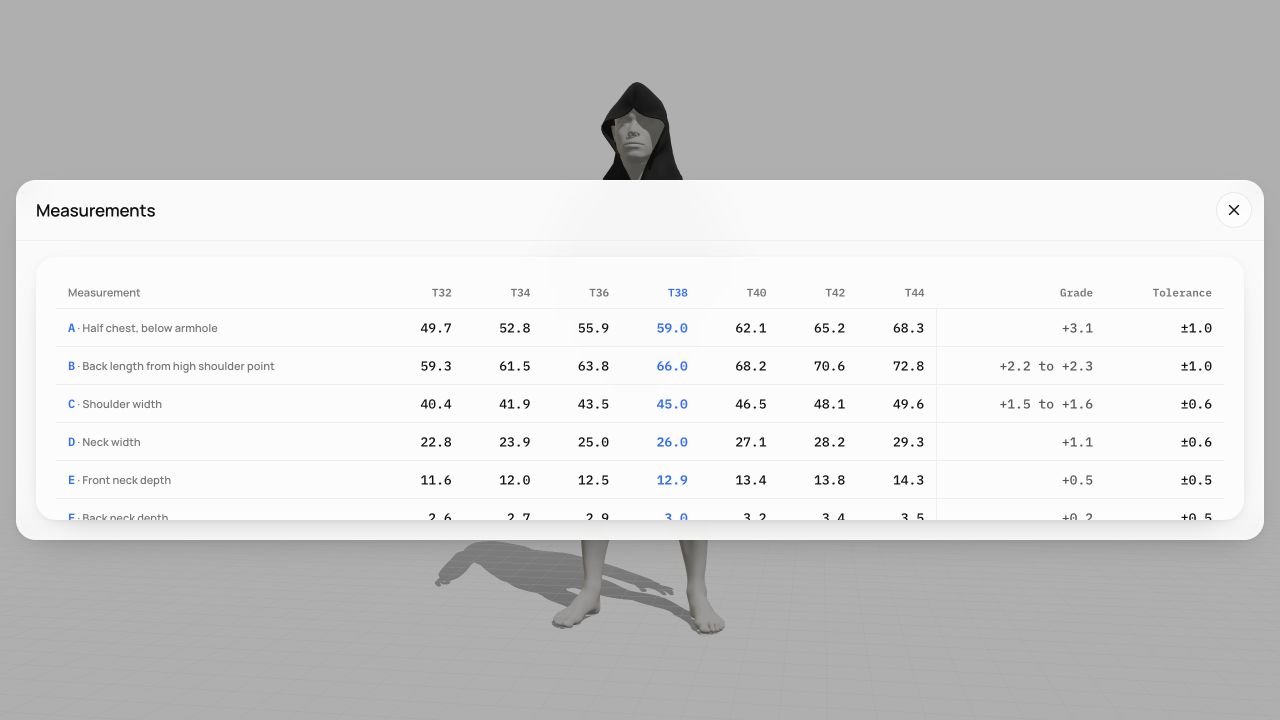
Choose a model, adjust its proportions and compare the available sizes on a 3D body.
Explore this stepDevelop your
garments in 3D.
Work on the cut, fabric and artwork. Review with your team, then prepare the technical files for your manufacturer.
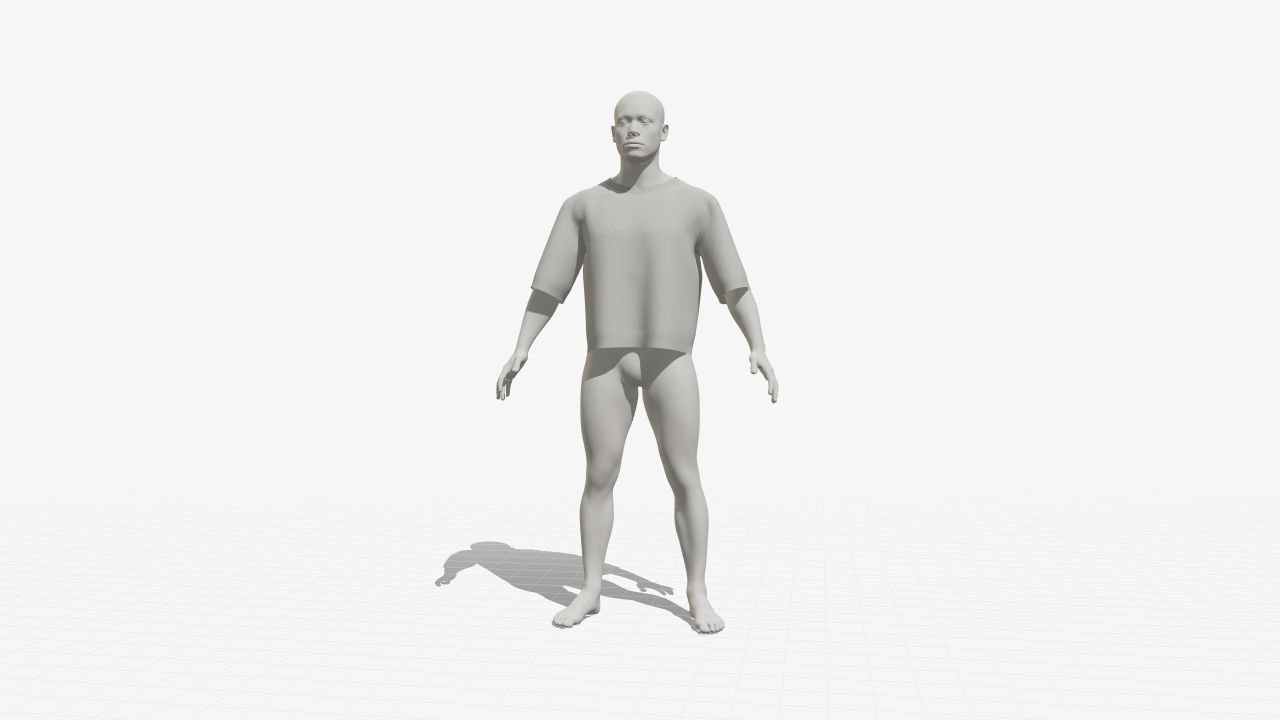
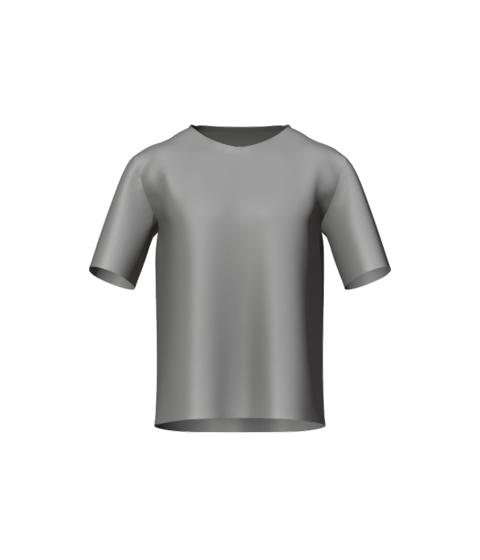
Classic T-shirt
Loading garment…
Keep every change
with the garment.
A revised sleeve, a new print, another round of feedback. Bring the design, decisions and technical files into one workspace.
See your choices
on the garment.
Try fabrics and colourways on the garment before choosing a direction.
Explore this stepPlace your print, text or label. Set its dimensions and see how it sits on the garment.
Explore this step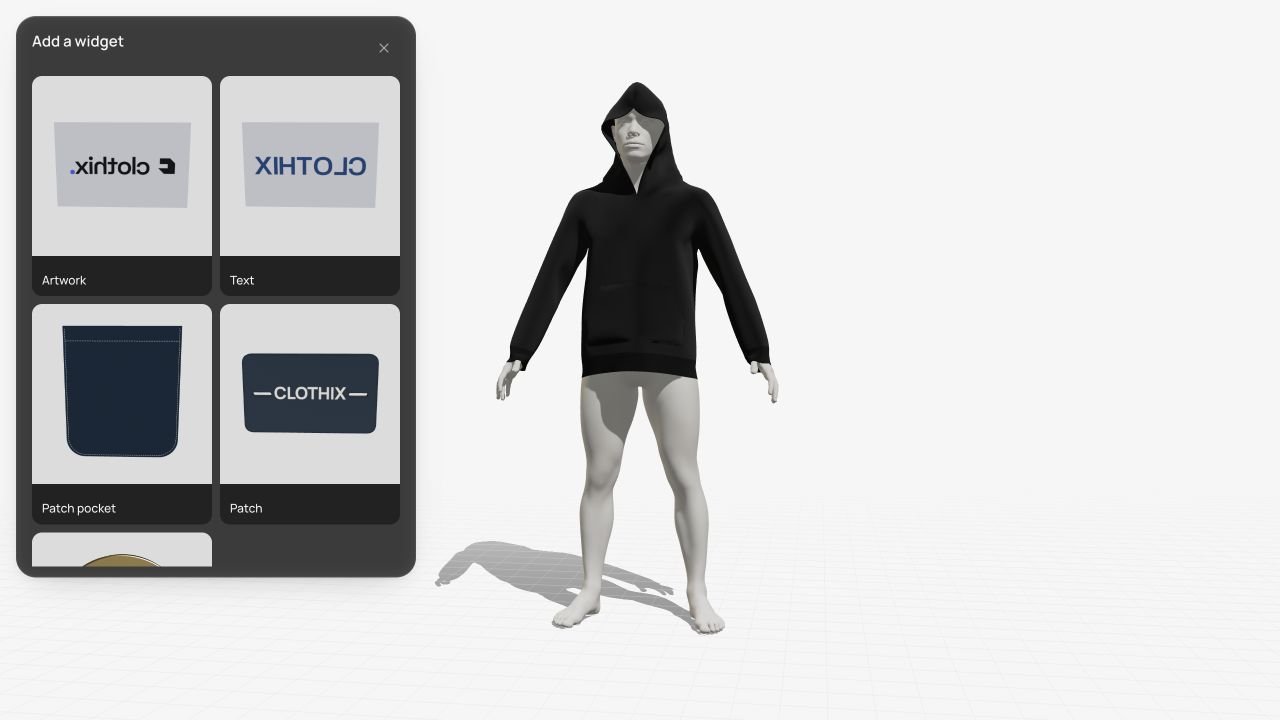
Describe the change.
Clothix makes it.
Change the fabric, move a print or find the right image. Your AI assistant works on the garment you’re designing, by text or voice.
See what the assistant can do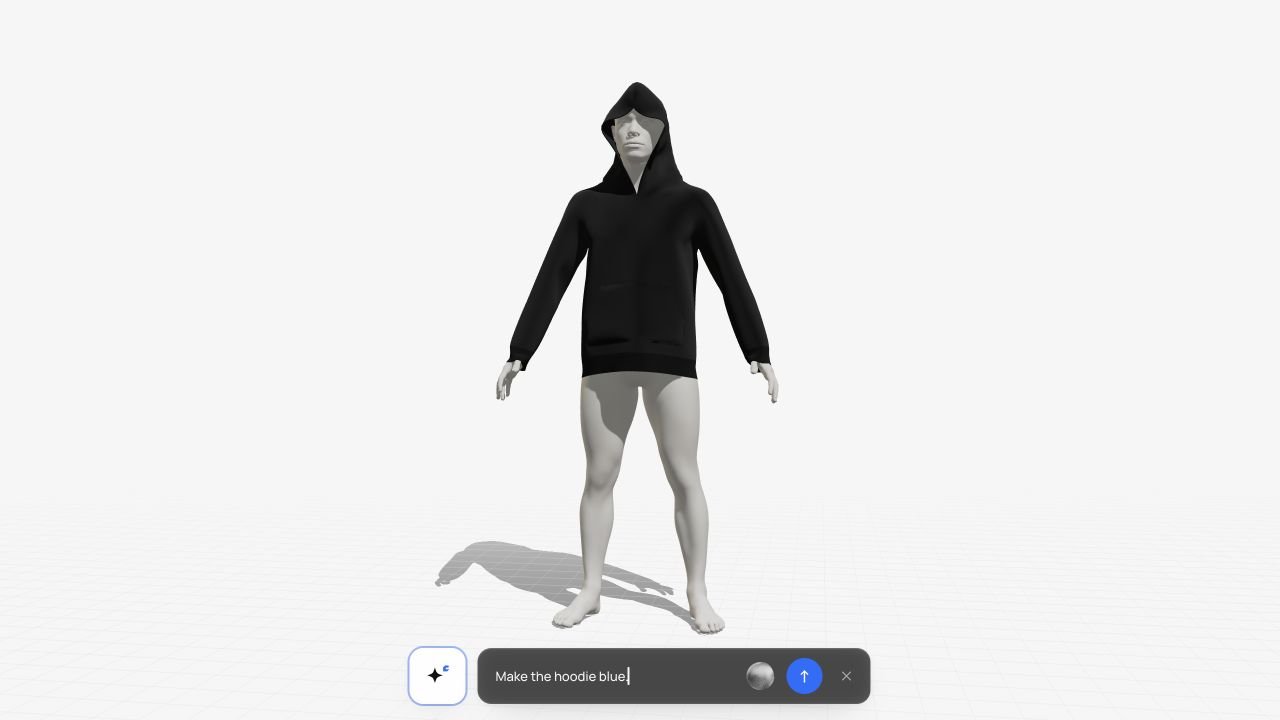
Look closer
at every detail.
Move the design forward.
Keep the team in sync.
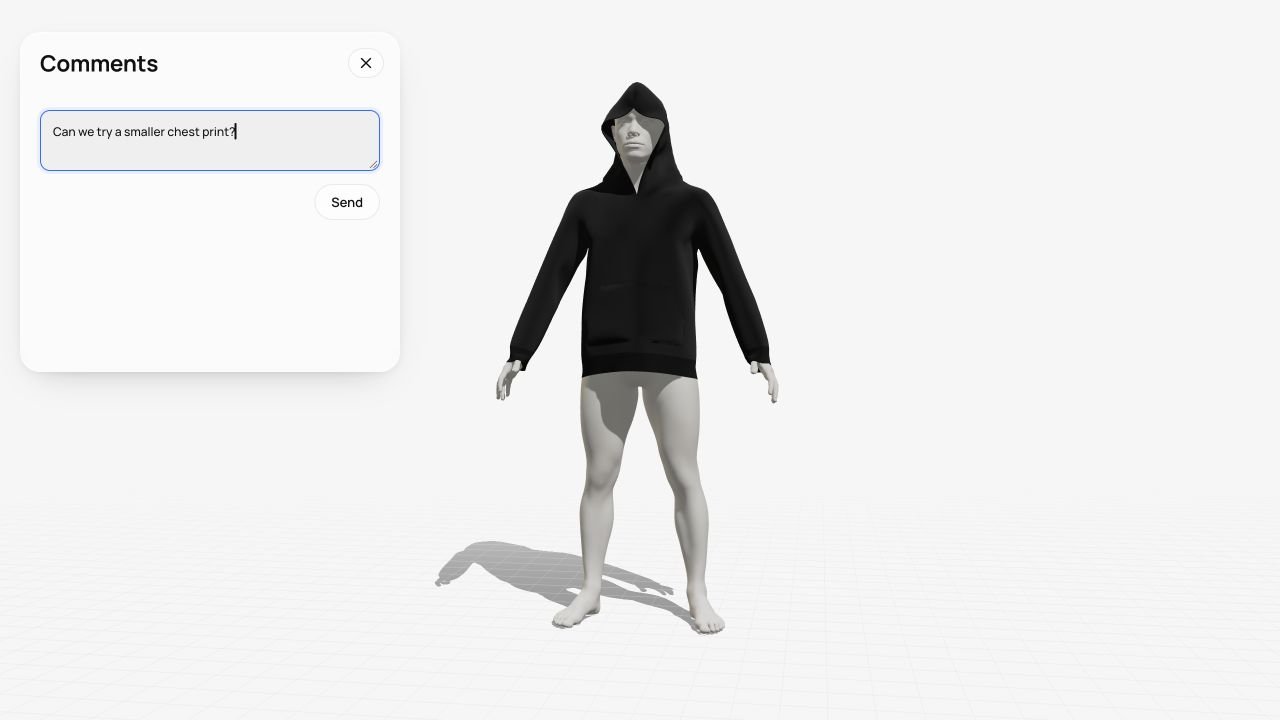
Review the changes
Keep feedback with the garment, revisit earlier versions and approve the next step.
Explore review & approval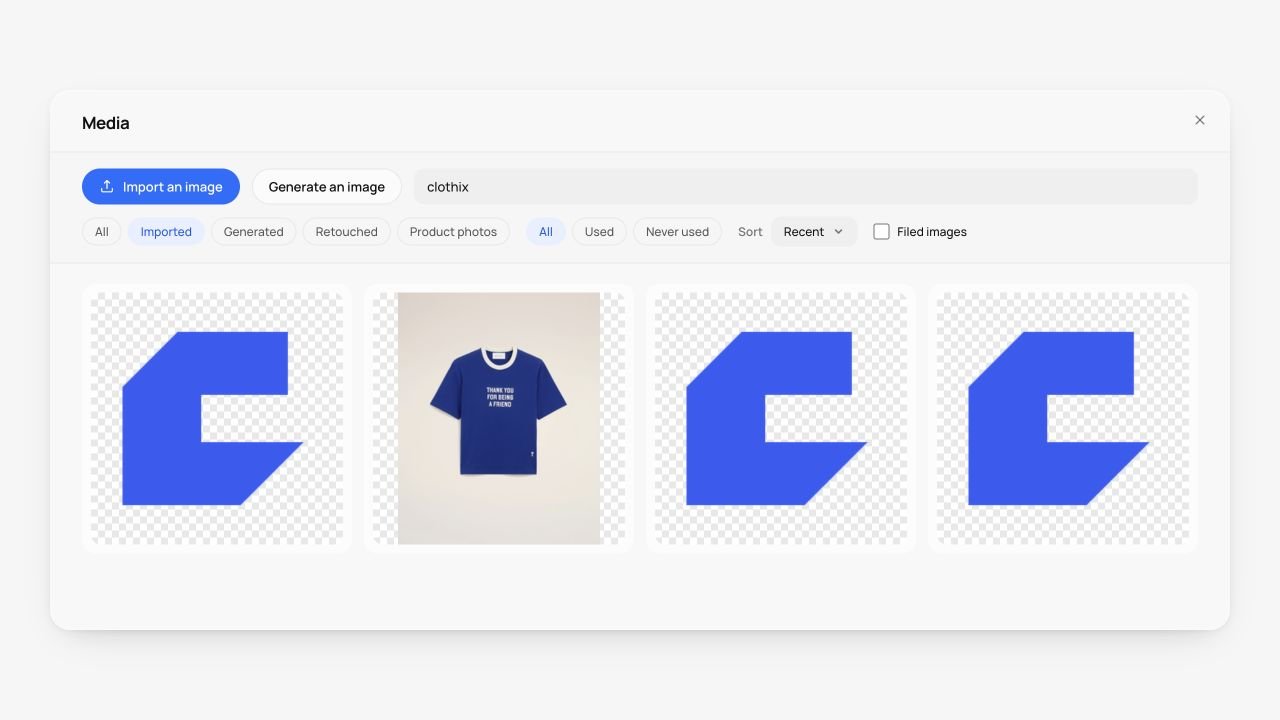
Reuse your artwork
Keep logos, prints and references in a shared library for the next design.
Explore the image library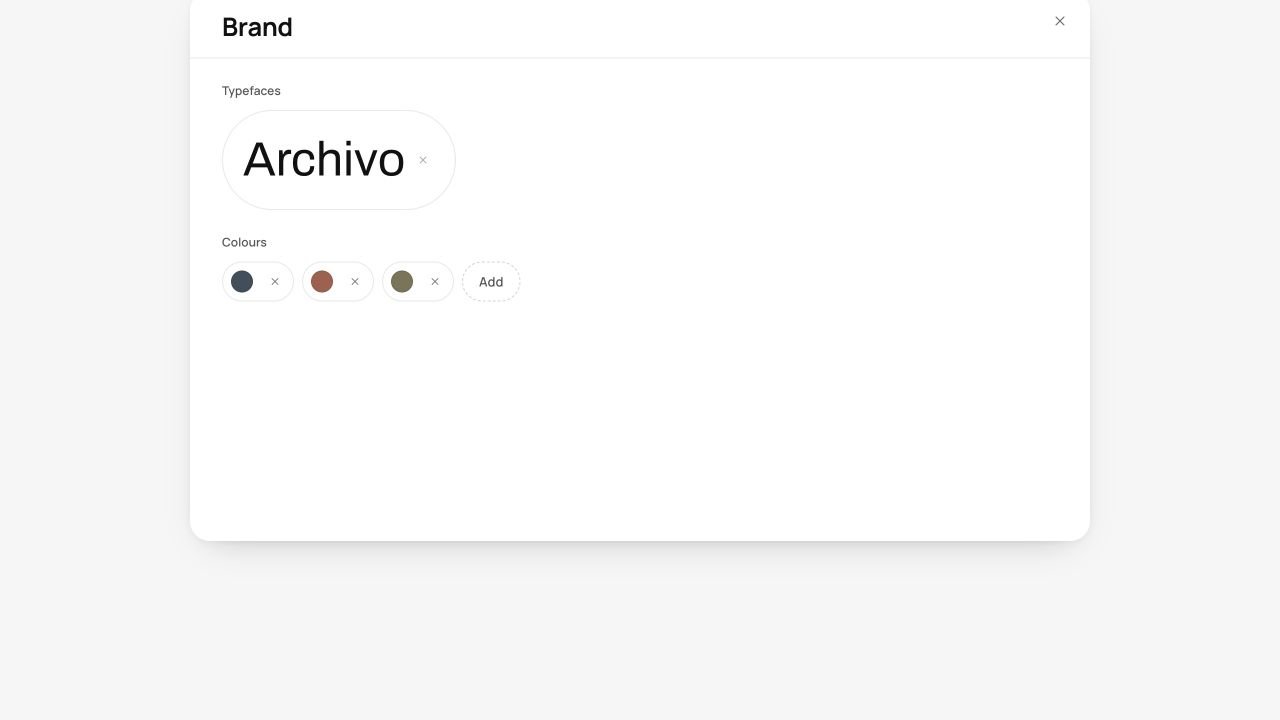
Share your brand references
Give everyone the same colours, fonts and logos to work with.
Explore brand references