Speak while you work
Ask for a colour change, a different material or a new artwork position without leaving the garment view. Microphone access is requested when you start a voice session.
Speak to the Clothix assistant to change a garment, find resources and navigate your workspace.
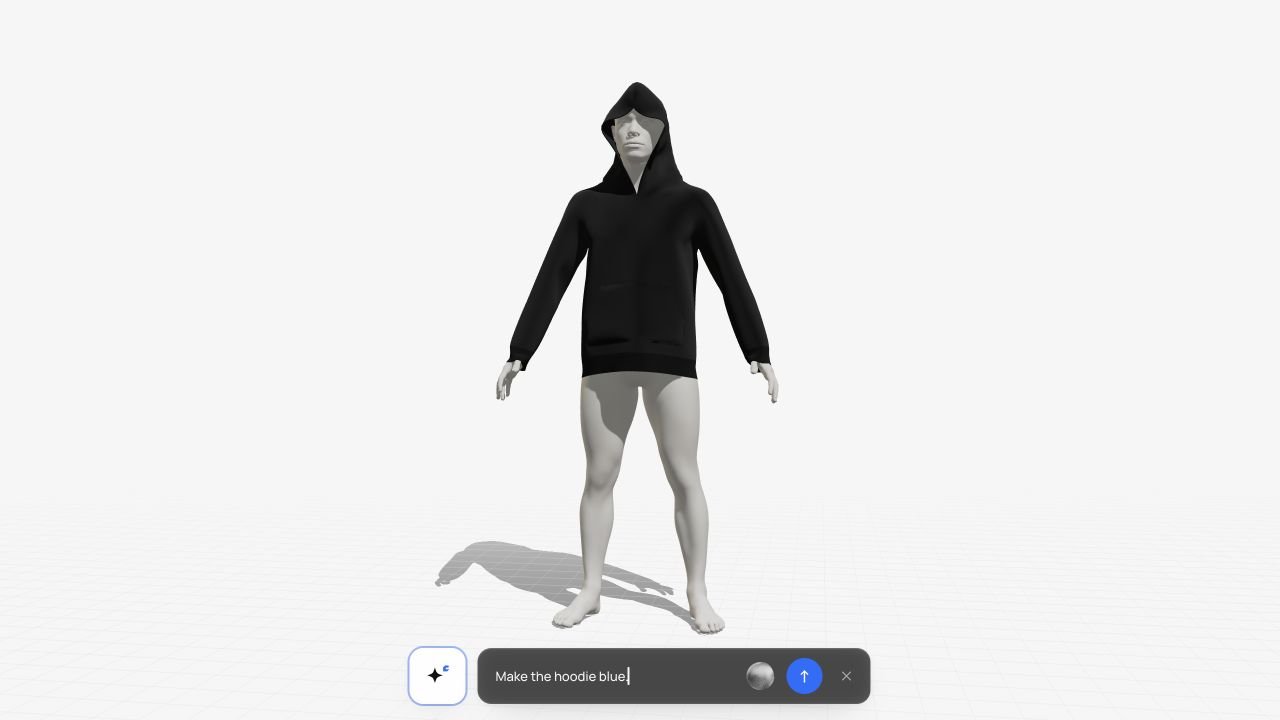
Ask for a colour change, a different material or a new artwork position without leaving the garment view. Microphone access is requested when you start a voice session.
Voice requests go through the assistant and the same authorised operations as the interface. The assistant acts with your account permissions.
Review the interpretation and the resulting garment. Paid generations require confirmation; approval remains a decision for the people responsible for the design.